AC Has No Power? Simple Checks Before You Call for Service
AC dead and not turning on? Learn the simple, safe checks we guide homeowners through before a service call—and when weather means it’s best to wait for a pro.
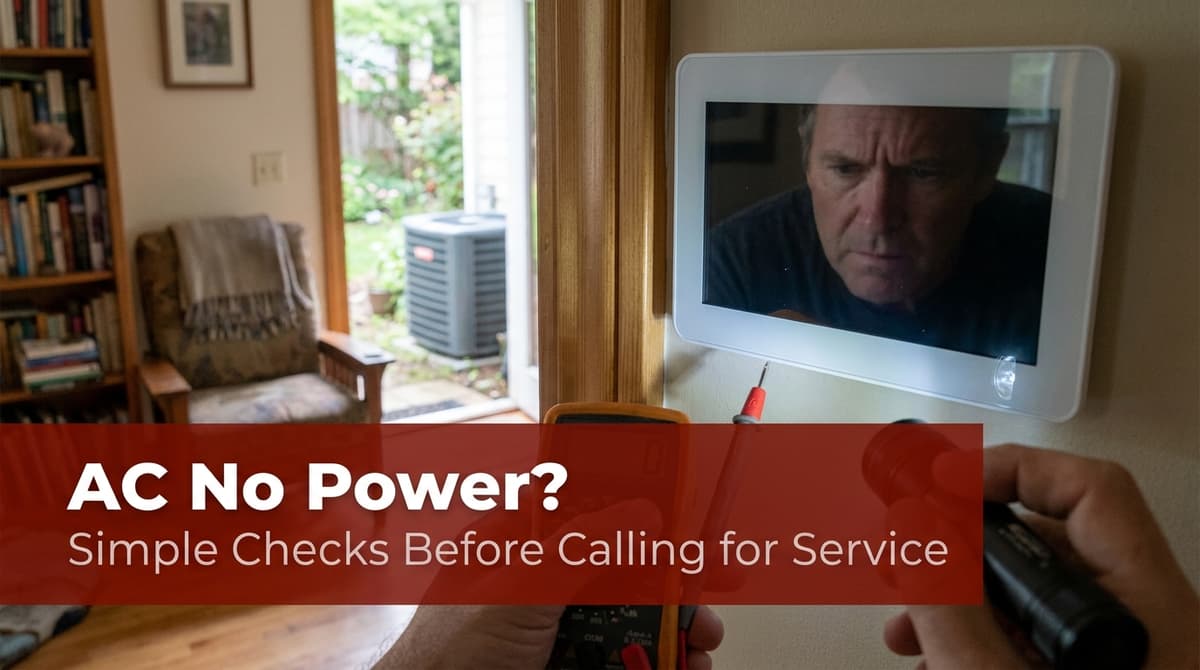
When Your AC Suddenly Has No Power
We recently got a call from a customer — let’s call him Mark — who said, “Our AC has no power going to it. Nothing’s blowing, nothing’s turning on.” He’d already tried what a lot of homeowners do first: he went out to the electrical panel, shut the breaker off, waited a minute, and flipped it back on to “reset” the system.
Inside, the thermostat was set to 75, but the house was creeping up to 80 and climbing. On top of that, thunderstorms and lightning were already moving into his area. As we pulled up the weather radar and looked at our technician’s schedule, we had two goals in mind: keep Mark’s family as comfortable as possible and keep our tech safe in the storm.
We’ve walked through this same scenario with many homeowners over the years. From our experience, there are a few simple, safe checks you can do yourself when your AC seems to have no power — and a few times when it’s better to leave everything alone and let us take it from there.
First Things We Ask: Is There Power to the House?
When someone like Mark calls and says, “The AC has no power,” one of the first questions we ask is, “Can you turn a light on right now?” If nothing in the house works, the problem usually isn’t the AC at all — it’s the power coming from the utility.
Here’s how we guide homeowners through that first check:
- Try a few lights and outlets. If lights are dim or totally out, or multiple rooms have no power, you may be dealing with a power outage or a larger electrical problem.
- Check other big appliances. See if your oven, microwave, or TV turn on. If none of the major appliances work, it’s likely not an AC issue.
- Look outside for neighborhood outages. Streetlights out? Neighbors’ houses dark? That’s a strong sign the utility power is down.
If there’s no power at the house, there’s nothing we or any AC company can safely fix until the electricity is restored. In those cases, our advice is always the same: wait for the utility, stay safe, and don’t try to “force” anything on.
Safe Breaker and Thermostat Checks You Can Do
Once we know the rest of the house has power, we move on to some basic steps we routinely walk homeowners through over the phone. These are the same checks our own team does when we arrive on site.
1. Check the AC Breakers in the Panel
We’ll usually say, “Let’s start at your breaker panel.” Here’s how we have you do that safely:
- Find the main electrical panel. Often in a garage, utility room, outside wall, or basement.
- Look for breakers labeled ‘AC’, ‘Air Conditioner’, ‘Condenser’, or ‘Air Handler’. Many homes have two breakers: one for the indoor unit and one for the outdoor unit.
- See if any breaker is ‘tripped’. A tripped breaker may sit between ON and OFF or show a bit of red/orange.
- To reset a tripped breaker: Push it firmly to the OFF position first, then back to ON. We always tell homeowners: do this once only. If it trips again, stop and call us.
If the breaker immediately trips back off, that usually means there’s an electrical issue somewhere in the system. At that point, we don’t want you forcing it — that’s when our technicians break out their meters and training.
2. Confirm the Thermostat Settings
In Mark’s case, his thermostat showed 75 set, 80 actual. That tells us the thermostat knows it’s too warm but the system isn’t responding. We generally walk through:
- Mode: Make sure it’s set to COOL, not OFF or HEAT.
- Temperature: Set it a few degrees lower than the current room temperature, just to be sure it’s calling for cooling.
- Fan setting: Try switching the fan to ON. If the indoor blower comes on but no cool air follows, that gives us important clues.
- Power to the thermostat: If the screen is blank or flickering, there may be an issue with the thermostat power, fuse, or low-voltage wiring.
Sometimes we’ll ask you to remove the thermostat face (if it’s a simple snap-on model) and look for loose batteries. If swapping batteries brings the screen back to life, you may have just solved your problem.
Outdoor Unit: What You Can Safely Look For
We’re always balancing helpful guidance with safety. There are a few things we feel comfortable asking homeowners to look at outside, as long as weather and conditions are safe.
3. Check the Outdoor Disconnect (From a Distance)
Next to many outdoor condensers there’s a small gray box — that’s the disconnect. We use it to safely cut power when we’re working on your system. Occasionally, someone doing yard work may accidentally pull the disconnect and never plug it back in.
We may ask you to:
- Visually confirm that the disconnect handle or plug looks fully inserted and not hanging loose.
- Listen for any humming, buzzing, or attempted starts from the unit when the thermostat is calling for cooling.
What we don’t want you to do (especially in wet weather) is pull that disconnect in and out repeatedly or open up any covers. When we arrive, our technician will test that area with the proper tools and safety gear.
4. Look and Listen, Don’t Touch
We also ask homeowners to simply observe:
- Is the outdoor fan spinning at all? If it’s dead silent and still, that helps us zero in on power or control issues.
- Any visible damage? Burn marks, melted insulation, or storm debris jammed in the fan are all things we want to know about.
- Any strong burning or electrical smell? If you notice this, shut the system off at the thermostat and don’t try to restart it.
When we show up, we’ll open the panels, check fuses, test voltages, and inspect contactors and capacitors — all the stuff that’s not safe for an untrained homeowner to poke at.
When Weather Means: “Stop and Wait for Us”
In Mark’s situation, lightning was already popping and dark clouds were rolling over his home while it was still sunny at our office. As we watched the radar go from bad to worse, we had an honest conversation: “We can put you on the schedule tonight if the weather lets up, but worst case, we’ll be there in the morning between 9 and 11.”
Here’s how we handle storm decisions, and what we encourage homeowners to keep in mind:
- Lightning and standing water are serious risks. Our techs are working with live electricity and metal equipment outdoors. We won’t send them into unsafe conditions — their safety comes first.
- Heavy rain can hide problems. If everything is soaked, it’s sometimes harder to properly test and diagnose issues without risking further damage.
- We rely on radar and real-time updates. Just like we did for Mark, we’ll look at what’s happening at your house, not just our shop, and adjust accordingly.
If we decide it’s safer to wait until morning, we’ll communicate clearly, set a firm arrival window, and often suggest temporary comfort options (like window units, fans, or relocating to cooler areas of the home) so you can get through the night.
What to Expect When Our Technician Arrives
Many homeowners ask, “What will your tech actually do that I can’t?” From our side of the toolbox, here’s what typically happens on a “no power to AC” call:
- Full electrical check: We test voltage at the panel, disconnect, contactor, and control circuits to pinpoint exactly where power is lost.
- Component inspection: We inspect fuses, capacitors, contactors, control boards, and wiring for failures or damage, including storm-related issues.
- Thermostat and safety circuits: We verify that low-voltage signals are reaching the system and that safety switches (like float switches) aren’t tripping the system off.
- System restart and monitoring: Once repairs are made, we restart the system and monitor pressures, temperatures, and performance to be sure you’re truly back in business.
Before we leave, we explain what went wrong in plain language and share any simple habits you can adopt to reduce the chance of the same power issue happening again.
Simple Habits to Help Prevent Power Issues
We can’t stop every breakdown — especially those caused by storms or utility problems — but we do recommend a few habits that, in our experience, help keep AC power issues to a minimum:
- Schedule regular maintenance. During tune-ups, we catch loose connections, weak capacitors, and failing contactors before they cause nuisance trips or shutdowns.
- Keep breakers labeled and accessible. Clear labeling helps you and us quickly find the right circuits when something goes wrong.
- Protect your system from surges. Talk with us or your electrician about surge protection, especially in storm-prone areas.
- Keep vegetation and debris away from the outdoor unit. This doesn’t just help airflow — it makes it safer and easier for us to work on the system.
When in Doubt, Call — and We’ll Work Around the Weather
Any time your AC has no power and the basic checks above don’t reveal an easy fix, that’s when our team steps in. We’ll ask you a few questions, much like we did with Mark, look at the radar, and make a call that balances your comfort with our technicians’ safety.
Storms will come and go, breakers will trip, and parts will eventually wear out — but you don’t have to troubleshoot alone. If something doesn’t feel right, or you’re not sure whether it’s safe to try a step, that’s your cue to stop and let us handle it. That’s what we’re here for.